
Key facts
Start here
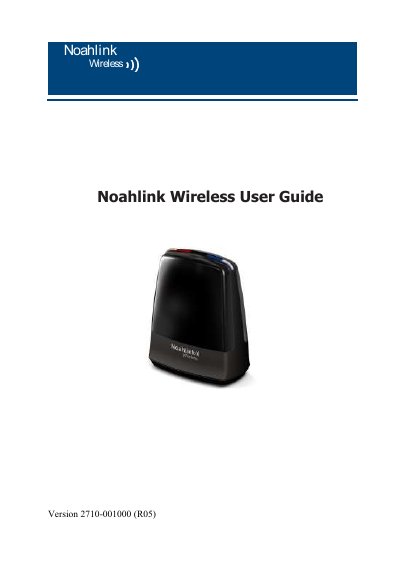
Noahlink Wireless 2710-001000 User Guide
The Noahlink Wireless 2710-001000 is a USB plug-and-play programming interface designed to allow hearing instrument fitters to wirelessly adjust settings on compatible wireless hearing instruments. It operates on a 2.4 GHz frequency and connects directly to a PC running specific fitting software, eliminating the need for an intermediate device. The device features light indicators to show power and connection status.
Read onlineNoahlink Wireless 2 specifications
| Operating Range | 10 feet (3 meters) |
|---|---|
| Power Supply | USB 5V maximum 100 mA |
| Wireless Frequency | 2.4 GHz |
| Operating Temperature | 0 to 55 C |
| Storage Temperature | -20 to 60 C |
Source: Noahlink Wireless 2 User Guide
All Noahlink Wireless 2 documents by type
Day-to-day operation, settings and troubleshooting. Start here if the product is already set up.
Questions answered in these manuals
How do I install the Noahlink Wireless 2?
Connect it to a USB port on the PC using the supplied USB cable. A 2–3 second solid green light confirms power.
What wireless devices can interfere with the Noahlink Wireless 2?
2.4 GHz cordless phones, WLAN access points, or other wireless devices may cause interference.
What is the intended use of the Noahlink Wireless?
It enables a hearing instrument fitter to wirelessly adjust the settings of wireless hearing instruments without an intermediate device.
How do I confirm the device is powered?
A 2-3 second solid green light indication will confirm that Noahlink Wireless is powered.