
Key facts
- Brand
- Imerge
- Model
- MS1
- Category
- Other Electronics
- Documents
- 2
- Languages
- EN
- Last added
- 2012-08-01
Start here
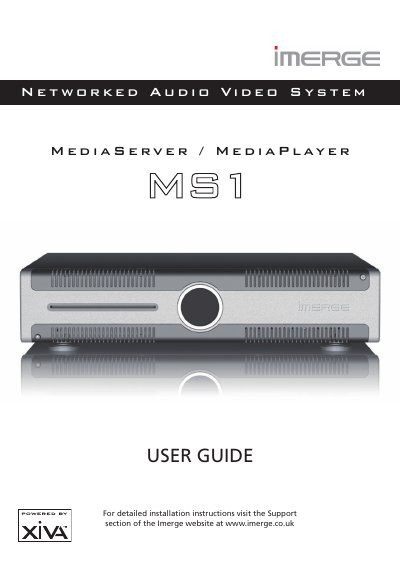
Imerge MS1 Networked Audio Video System User Guide
The Imerge MS1 is a high-quality networked audio and video system designed to store and replay large libraries of DVDs and CDs using external storage devices. It features an intuitive interface that allows users to organize media by various criteria such as artist, genre, cover art, or director, and supports the creation of customized playlists.
Read onlineImerge MS1 specifications
| Product Type | Networked Audio Video System |
|---|---|
| Storage Method | External storage device |
| Power Fuse Rating | 5A |
All Imerge MS1 documents by type
Day-to-day operation, settings and troubleshooting. Start here if the product is already set up.
Questions answered in these manuals
What precautions are required when moving the MS1-3D?
Do not move the product while it is running, and wait at least one minute after shutdown before moving it to allow the hard disks to spin down.
What is the recommended maximum room temperature for recording from a disc?
For best performance when recording from a disc, try to maintain a temperature of 35°C or less in the room where the MS1-3D is located.
What should I do if water enters the equipment?
Switch off the equipment immediately and contact your dealer or service center.
Can I move the MS1 while it is running?
No, moving the product while running can result in irrecoverable data loss and damage to the hard disks.