
Key facts
- Brand
- HSDPA
- Model
- WX‑T82
- Industry
- Electronics
- Documents
- 2
- Languages
- ZH
- Last added
- 2012-03-28
Start here
Sharp WX‑T825 Cellphone User Manual
This manual explains how to set up and operate the Sharp WX‑T825 mobile phone, including safety precautions, warranty disclaimer, and legal notices. It covers basic handling, battery insertion, SIM card management, and the use of accessories such as hands‑free kits.
The guide details the phone’s functions such as the built‑in digital camera with auto‑focus, video recording, multimedia playback (MP3, MPEG‑4, 3GPP), Bluetooth connectivity, WAP/Web browsing, MMS messaging, email with attachments, and the use of microSDHC cards for storage expansion. Troubleshooting steps, quick reference tables, and regulatory information (SAR values, FCC notice) are also provided. This manual is written in Chinese.
HSDPA WX‑T82 specifications
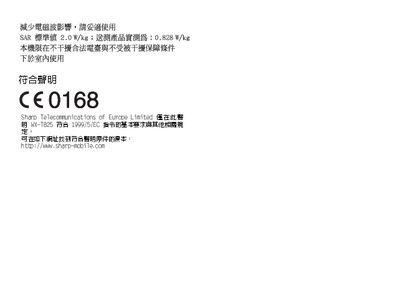
| SAR measured value | 0.828 W/kg |
|---|---|
| Supported audio formats | MP3, MPEG‑4, AMR, AAC, AAC+ |
| Supported video formats | MPEG‑4, 3GPP |
| Memory card type | microSDHC |
All HSDPA WX‑T82 documents by type
Day-to-day operation, settings and troubleshooting. Start here if the product is already set up.
Questions answered in these manuals
Can the phone play MP3 files?
Yes, the phone can play MP3 files as part of its multimedia playback capabilities.
Does the phone have a built‑in camera?
Yes, it includes an auto‑focus digital camera for taking photos and video clips.
How do I insert or remove the SIM/USIM card?
Open the back cover, locate the SIM/USIM slot, and insert or remove the card as shown on page 15.
From: Sharp WX‑T82 User Manual
What network bands does the WX‑T82 support?
The phone works on HSDPA/3G (UMTS), EDGE, and GSM 900/1800/1900 bands with GPRS.
From: Sharp WX‑T82 User Manual