
Key facts
- Brand
- GPSmile
- Model
- 53E
- Category
- Car Accessories
- Industry
- Automotive
- Documents
- 2
- Languages
- ZH
- Last added
- 2012-04-10
Start here
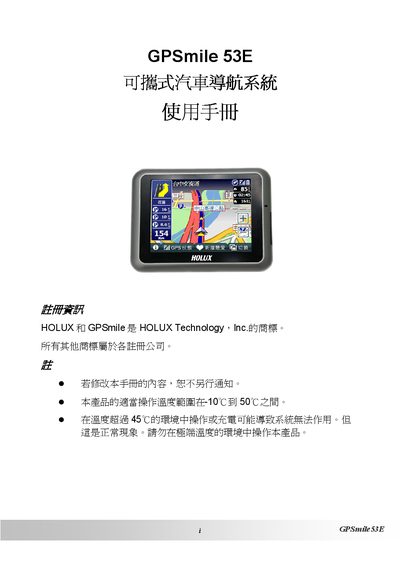
Holux GPSmile 53E Navigation System User Manual
This manual covers safety precautions, battery handling, and warranty details for the Holux GPSmile 53E portable car navigation system. It explains how to install the device, operate its main functions such as GPS reception, audio playback, image browsing, and backlight control, and provides troubleshooting guidance.
Regulatory sections describe FCC and NCC compliance, RF emission limits, and steps to reduce interference. Contact information for technical support and authorized service centers is also included. This manual is written in Chinese.
GPSmile 53E specifications
| Operating temperature range | -10 °C to 50 °C |
|---|---|
| Battery type | Built‑in lithium battery |
| Storage media | Micro SD card for MP3 files |
| GPS receiver | Integrated GPS receiver |
| Audio playback | Supports MP3 audio playback |
| Image browsing | Image browsing function |
All GPSmile 53E documents by type
Day-to-day operation, settings and troubleshooting. Start here if the product is already set up.
Questions answered in these manuals
What is the recommended operating temperature range?
The device should be used between –10 °C and 50 °C.
Can I use a charger other than the one supplied?
Only the original charger should be used; other chargers may cause faults or danger.
How do I install the car‑mount suction cup?
Place the suction cup vertically on the car’s front windshield, press firmly, attach the base, and tighten the screws to secure the angle.
How do I connect the car charger for long‑term use?
Insert the charger’s plug into the car‑mount connector, then connect the charger’s power cable; the indicator light will show that the device is receiving power.