
Key facts
- Brand
- eppendorf
- Model
- CryoCube F740hi
- Documents
- 2
- Languages
- EN
- Last added
- 2023-10-17
Start here
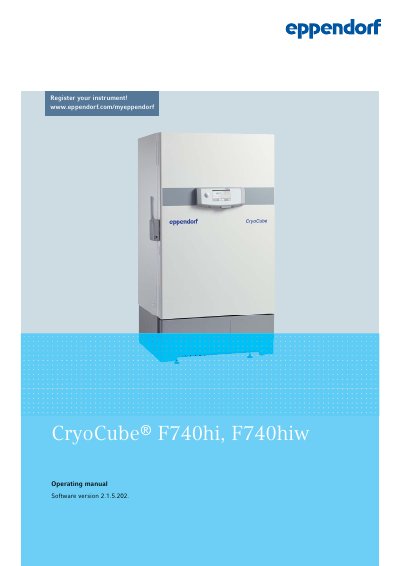
Eppendorf CryoCube F740hi, F740hiw User Manual
This manual provides detailed instructions for installing, operating, and maintaining the Eppendorf CryoCube F740hi and F740hiw ultra-low temperature freezers. It covers safety procedures, product features, setup, user interface navigation, alarm and event management, maintenance tasks, and troubleshooting. The document also includes technical specifications, accessory information, and guidelines for transport and disposal.
Read onlineEppendorf CryoCube F740hi specifications
| Power Supply | Not specified in text |
|---|---|
| Ambient Conditions (Operation) | Not specified in text |
| Dimensions (External) | Not specified in text |
| Weight | Not specified in text |
| Noise Level | Not specified in text |
| Temperature Range | Not specified in text |
| Refrigerant | Not specified in text |
| Capacity and Carrying Capacity | Not specified in text |
All Eppendorf CryoCube F740hi documents by type
Day-to-day operation, settings and troubleshooting. Start here if the product is already set up.
Questions answered in these manuals
How do I install the CryoCube F740hi/F740hiw?
Install by selecting a location, unpacking, checking delivery, transporting to location, connecting to voltage and cooling water supply, and turning on the device.
What interfaces does the CryoCube F740hi/F740hiw have?
It has remote alarm interface, RS-485 interface, and Ethernet interface for connecting to external systems.
How do I register the CryoCube F740hi/F740hiw?
Register the device via the VisioNize onboard system or by visiting www.eppendorf.com/myeppendorf.
What interfaces does the CryoCube F740hi/F740hiw have?
It has RS-485, Ethernet, and remote alarm interfaces for external system connectivity.