
Key facts
- Brand
- ECOVACS
- Model
- W830
- Category
- Cleaning machines
- Industry
- Appliances
- Documents
- 2
- Languages
- EN
- Last added
- 2026-11-09
Start here
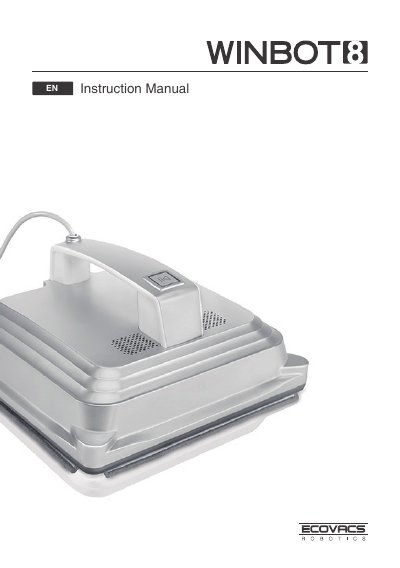
ECOVACS WINBOT W830 Robot Instruction Manual
The ECOVACS WINBOT W830 is a robot for cleaning glass. This instruction manual covers safety instructions, package contents, technical specifications, product diagram, operating steps, maintenance, status indicators and sounds, and troubleshooting.
Specifications in the manual include a 24V DC working voltage, 75W rated power, and a power adapter with 100-240 V AC input and 24V DC, 3.75 A output.
ECOVACS W830 specifications
| Model | W830 |
|---|---|
| Working voltage | 24V DC |
| Rated power | 75W |
| Remote control input voltage | 3V DC |
| Power adapter model | EA10952E |
| Power adapter input | 100-240 V AC, 50/60 Hz, 2.5 A |
| Power adapter output | 24V DC, 3.75 A |
| Minimum glass size | Larger than 50 cm x 50 cm |
| Minimum window frame | 5 mm (0.2 in) |
| Clearance around glass | 15 cm (5.9 in) |
| Operating temperature | 0 to 40 C (32 to 104 F) |
| Extension cord length | 1.5 m (4 ft 11 in) |
All ECOVACS W830 documents by type
Day-to-day operation, settings and troubleshooting. Start here if the product is already set up.
Questions answered in these manuals
What cleaning solution should I use with the WINBOT W830?
Use only WINBOT Cleaning Solution; other cleaners can reduce performance and damage the robot.
What should I do if the Status Indicator Light flashes blue after placing the robot on glass?
Remove and reattach the cleaning pad so it does not cover the fan or edge detection sensors; clean the sensors or fan if needed; or clean a small area of glass first if it is too dirty.