
Key facts
Start here
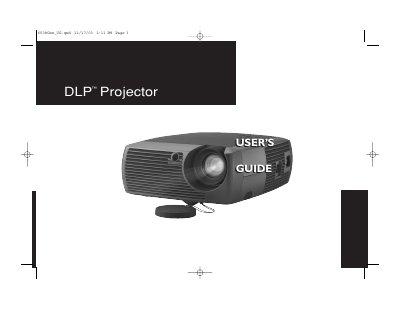
GEN101 DLP Projector User's Guide
This manual provides instructions for the GEN101 DLP projector, a versatile device suitable for business presentations and home video viewing. It supports native SVGA 800x600 resolution and is compatible with various computers, including IBM-compatible and Apple Macintosh systems, as well as a wide range of video devices like VCRs, DVD players, and camcorders.
The guide details the setup process, including positioning the projector, connecting computer and video sources, and adjusting the image. It also covers the operation of the remote control and keypad, menu customization for picture and settings, and essential maintenance tasks such as cleaning the lens and replacing the projection lamp.
DLP GEN101 specifications
| Native Resolution | SVGA 800x600 |
|---|---|
| Compatible Computers | IBM-compatible up to 1024x768 |
| Compatible Macintosh | up to 1024x768 resolution |
All DLP GEN101 documents by type
Day-to-day operation, settings and troubleshooting. Start here if the product is already set up.
Questions answered in these manuals
What is the native resolution of the GEN101 projector?
The projector has a native SVGA resolution of 800x600.
Can I connect my Macintosh computer to this projector?
Yes, it is compatible with Apple Macintosh and PowerBook computers up to 1024x768 resolution.
What is the native resolution of the projector?
The projector has a native SVGA 800x600 resolution.
Can the projector connect to Macintosh computers?
Yes, it is compatible with Apple Macintosh and PowerBook computers up to 1024x768 resolution.