
Key facts
- Brand
- Datasensor
- Model
- SR21 SERIES
- Industry
- Industrial
- Documents
- 2
- Languages
- EN
- Last added
- 2026-10-01
Start here
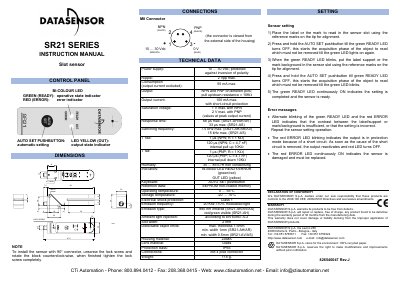
Datasensor SR21 Series Slot Sensor Instruction Manual
This document is the instruction manual for the Datasensor SR21 Series slot sensor. It provides detailed guidance on the sensor's controls, including the bi-colour LED indicators and the AUTO SET pushbutton for automatic configuration. The manual explains how to perform static and dynamic settings for detecting labels on supports.
Read onlineDatasensor SR21 SERIES specifications
| Power supply | 10 … 30 Vdc |
|---|---|
| Output current (max) | 100 mA |
| Response time (max) | 66 µs (SR21‑AH/AR/AV) |
| Switching frequency (max) | 7.5 kHz (SR21‑AH/AR/AV) |
| Operating temperature | 0 … 55 °C |
| Protection class | IP65 |
| Weight | 115 g |
Source: Datasensor SR21 Series Slot Sensor Instructions Manual
All Datasensor SR21 SERIES documents by type
Day-to-day operation, settings and troubleshooting. Start here if the product is already set up.
Questions answered in these manuals
What does a blinking red ERROR LED indicate?
A blinking red ERROR LED means the output is in protection mode due to a short circuit; removing the short re‑activates the output and the red LED turns off.
From: Datasensor SR21 Series Slot Sensor Instructions Manual
What is the warranty period for the SR21 sensor?
Datasensor provides an 18‑month warranty from the manufacturing date for defects, excluding damage from improper application.
From: Datasensor SR21 Series Slot Sensor Instructions Manual
How do I block the push-button?
Press the AUTO-SET button while the sensor is turned OFF, then re-power the sensor while keeping the button pressed.
What does a blinking red ERROR LED indicate?
It indicates that the output is in protection mode because of a short circuit.