
Key facts
- Brand
- Dagama
- Model
- SG-959
- Industry
- Electronics
- Documents
- 2
- Languages
- ZH
- Last added
- 2012-04-10
Start here
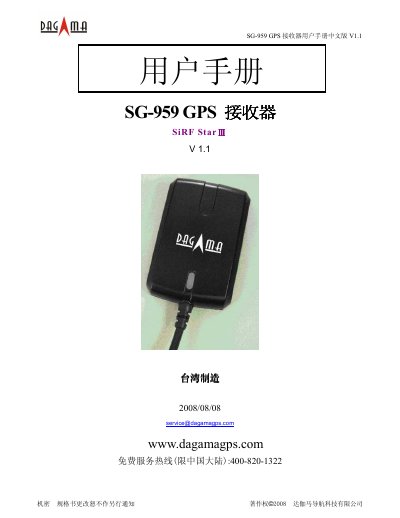
Dagama SG-959 GPS Receiver User Manual
The Dagama SG-959 is a compact, waterproof GPS receiver that uses a low‑noise SiRF StarIII chip to track up to 20 satellites. It is designed for vehicle navigation, mapping and surveying, and can communicate via RS‑232 or USB interfaces.
The manual covers an introduction, hardware dimensions and connectors, driver installation for Windows, operation with the GPS Viewer software, LED status indicators, data output formats, and warranty information. It also includes NMEA and SiRF binary message specifications for developers. This manual is written in Chinese.
Dagama SG-959 specifications
| Frequency | L1 1575.42 MHz |
|---|---|
| Channels | 20 |
| Sensitivity | -159 dBm (typical) |
| Position accuracy | 5‑25 m (normal) |
| Vertical accuracy | <5 m (WAAS/EGNOS corrected) |
| Horizontal accuracy | <2 m (WAAS/EGNOS corrected) |
| Input voltage | 5.0 V ± 5 % |
| Supply current | 80 mA @5 V |
| Operating temperature | -40 °C ~ +80 °C |
| Dimensions | 59.7 mm × 39 mm × 16.4 mm |
| Supported protocols | NMEA‑0183, SiRF binary |
All Dagama SG-959 documents by type
Day-to-day operation, settings and troubleshooting. Start here if the product is already set up.
Questions answered in these manuals
How do I install the USB driver for the SG‑959?
Insert the driver CD, open the “USB Driver” folder and run the PL‑2303 driver to install it.
What do the LED indicators mean?
A steady LED means the unit is powered and initializing; a blinking LED (0.5 s) indicates the receiver has a position fix.