
Key facts
- Brand
- Coolpad
- Model
- N900
- Documents
- 3
- Languages
- ZH
- Last added
- 2022-10-10
Start here
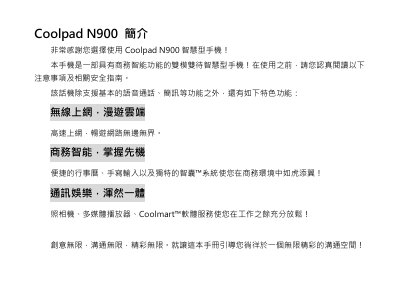
Coolpad N900 Smartphone User Manual
This document is the user manual for the Coolpad N900 smartphone, a dual-mode dual-standby device featuring business intelligence and multimedia capabilities. It guides users through initial setup, safety precautions, and the operation of various functions including calls, messaging, and the camera. This manual is written in Chinese.
Read onlineCoolpad N900 specifications
| Dimensions | 106 mm x 59 mm x 14.2 mm |
|---|---|
| Screen Resolution | 320 x 480 |
| Camera Resolution | 5.0 MP |
| Battery Capacity | 1200mAh |
| Network Mode | CDMA2000 EVDO Rev.A/GSM/GPRS |
All Coolpad N900 documents by type
Day-to-day operation, settings and troubleshooting. Start here if the product is already set up.
Questions answered in these manuals
What is the recommended charging time for a new battery?
It is recommended to charge the new battery for at least 12 hours before first use.
What is the SAR value of this phone?
The SAR standard value is 2.0W/kg, with a measured value of 1.060W/kg.
How do I turn on the Coolpad N900?
Press and hold the power key while the phone is off; the device will start and show the boot mode selection screen.
How many SIM cards can I use and how should I handle them?
The phone supports two SIM cards (dual‑mode, dual‑standby). Insert the cards carefully, avoid bending or exposing them to static electricity or water.
How do I turn the phone on?
Press and hold the power key while the phone is off; a startup mode selection dialog will appear.
From: Coolpad N900 User Manual
How do I charge the phone?
Align the charger plug with the phone’s charging port, insert it, then plug the charger into a power outlet.
From: Coolpad N900 User Manual