
Key facts
- Brand
- Bowers&wilkins
- Model
- Pi5 S2
- Category
- Other Electronics
- Documents
- 2
- Languages
- EN
- Last added
- 2023-10-30
Start here
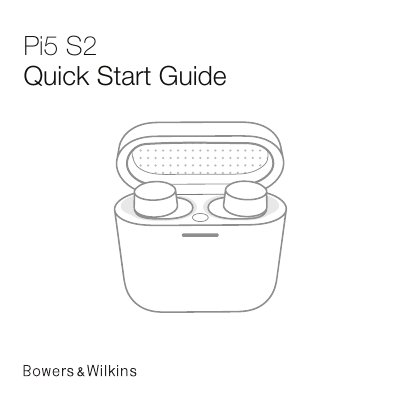
Bowers & Wilkins Pi5 S2 Quick Start Guide
The Bowers & Wilkins Pi5 S2 Quick Start Guide explains how to set up the device easily by downloading the companion application via a provided link. The guide includes instructions in multiple languages, such as English, German, French, Japanese, Spanish, and Italian.
Read onlineBowers & Wilkins Pi5 S2 specifications
| iOS Compatibility | iOS 12+ |
|---|---|
| Android Compatibility | Android 6.0+ |
| Noise Cancelling | Yes |
| Wireless Charging | Compatible |
All Bowers & Wilkins Pi5 S2 documents by type
The shortest path to a working setup, usually only a few pages.
Day-to-day operation, settings and troubleshooting. Start here if the product is already set up.
Questions answered in these manuals
How do I set up the Pi5 S2?
Download the App using the link below and follow the instructions.
What is the minimum Android version for Fast Pair?
Android phones running Marshmallow and above/6.0+.
How do I pair my Pi5 S2 earbuds with a Bluetooth device?
Open the charging case lid; the first time, the earbuds automatically enter pairing mode and the case indicator flashes blue. Then select “Pi5 S2” from your device's Bluetooth list.
From: Bowers & Wilkins Pi5 S2 True Wireless Earbuds User Manual
How long does it take to fully charge the earbuds and case?
Please allow up to 3 hours to fully charge the earbuds and case.
From: Bowers & Wilkins Pi5 S2 True Wireless Earbuds User Manual