
Key facts
- Brand
- Beckhoff
- Model
- CP29xx
- Documents
- 2
- Languages
- EN
- Last added
- 2023-10-31
Start here
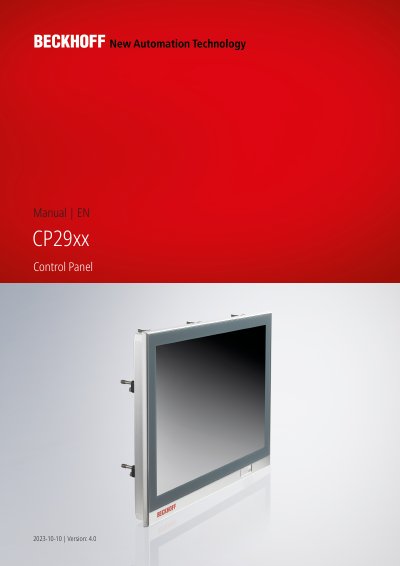
Beckhoff CP29xx Control Panel User Manual
This manual provides instructions for installing, commissioning, and maintaining the Beckhoff CP29xx control panel, designed for industrial machine and system control. It includes safety guidelines, interface descriptions, connection procedures, and troubleshooting. The panel features multi-touch displays in various sizes and resolutions, IP65-rated front, and IP20-rated rear, with optional push button extensions for specific models.
The document is intended for trained specialists in control and automation engineering and emphasizes compliance with safety standards and proper usage to avoid injury or damage.
Beckhoff CP29xx specifications
| Display Sizes | 7-inch, 800 x 480 (5:3); 12-inch, 800 x 600 (4:3); 12.1-inch, 1280 x 800 (16:10); 15-inch, 1024 x 768 (4:3); 15.6-inch, 1366 x 768 (16:9); 18.5-inch, 1366 x 768 (16:9); 19-inch, 1280 x 1024 (5:4); 21.5-inch, 1920 x 1080 (16:9); 24-inch, 1920 x 1080 (16:9) |
|---|---|
| Front Protection Rating | IP65 |
| Rear Protection Rating | IP20 |
| Touchscreen Type | Multi-finger touch screen (PCT) |
| Housing Material | Aluminum housing with glass front |
All Beckhoff CP29xx documents by type
Day-to-day operation, settings and troubleshooting. Start here if the product is already set up.
Questions answered in these manuals
What is the maximum distance for CP29xx-0000 from the PC?
Up to 50 meters using DVI/USB extension technology.
What is the maximum distance for CP29xx-0010 from the PC?
Up to 100 meters using CP-Link 4 technology.
What is the maximum distance for the CP29xx-0000 Control Panel from the PC?
The CP29xx-0000 Control Panel can be located up to 50 meters away from the PC using DVI/USB extension technology.
What is the maximum distance for the CP29xx-0010 Control Panel from the PC?
The CP29xx-0010 Control Panel can be located up to 100 meters away from the PC using CP-Link 4 technology.