
Key facts
- Brand
- Axent
- Model
- H701-011
- Category
- Other
- Industry
- Appliances
- Documents
- 2
- Languages
- ZH
- Last added
- 2026-10-06
Start here
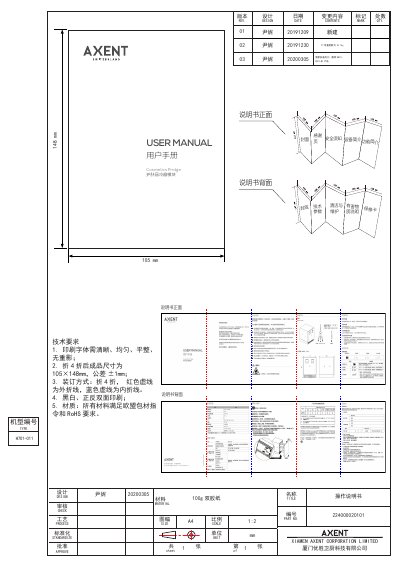
AXENT H701-011 Cosmetics Fridge User Manual
This manual introduces the AXENT H701-011 cosmetics fridge, describing its design, safety precautions, and intended use for storing and preserving skincare products. It covers installation requirements, power connection guidelines, and the device’s functional features such as temperature control, layered storage, and automatic protection.
The guide also details cleaning and maintenance procedures, hazardous substance information, troubleshooting steps, and warranty terms. Technical specifications, including voltage, power, dimensions, and performance data, are listed for reference. This manual is written in Chinese.
AXENT H701-011 specifications
| Rated voltage | 220 V~ 50 Hz |
|---|---|
| Rated power | 57 W |
| Cooling temperature range | 15-25 °C |
| Total volume | 31.2 L |
| Dimensions | 359 × 509 × 428.8 mm |
| Net weight | 18.7 kg |
| Noise level | ≤ 30 dB |
| Ambient temperature range | 16-32 °C |
| Power consumption | 1.1 kW·h/24 h |
All AXENT H701-011 documents by type
Day-to-day operation, settings and troubleshooting. Start here if the product is already set up.
Questions answered in these manuals
What temperature range can the cosmetics fridge maintain?
The fridge can be set to maintain a temperature between 15 °C and 25 °C.
What should I do if the display shows no output?
Check that the power plug is securely connected; if the problem persists, disconnect power and contact the local supplier or service hotline.
What is the temperature range of the AXENT H701-011?
The storage temperature range is 15-25°C.
How do I enter standby mode?
Long press the power button for 5 seconds until the display turns off.