
Key facts
- Brand
- Atmos
- Model
- ACD01
- Category
- Automation control Equipment
- Documents
- 2
- Languages
- EN
- Last added
- 2023-11-03
Start here
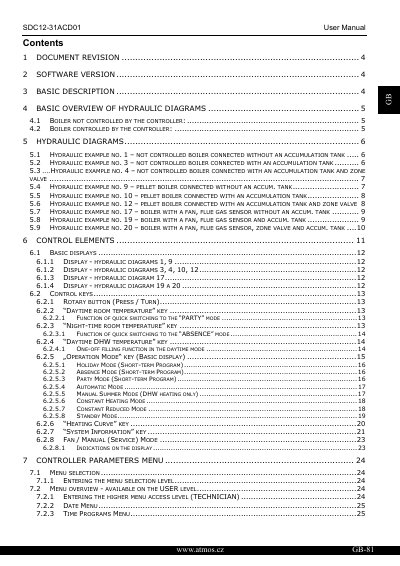
ATMOS ACD01 User Manual
The ATMOS ACD01 User Manual explains how to select the correct hydraulic diagram for the boiler type and configure the controller for proper operation.
It details the control keys, menu hierarchy, parameter settings, and the four categories of alarm messages that indicate malfunctions.
All Atmos ACD01 documents by type
Disassembly, diagnostics and part numbers, for repair.
Day-to-day operation, settings and troubleshooting. Start here if the product is already set up.
Questions answered in these manuals
What menus are available in the Atmos ACD01 service menu?
The service menu includes DATE, TIME PROGRAMS, HYDRAULIC, SYSTEM, SOLID FUEL, SOURCES, BUFFER, DATA BUS, RELAY TEST, and ALARMS menus.
Which hydraulic diagrams does the ACD01 manual describe?
The manual documents numbered hydraulic diagrams, including examples for uncontrolled boilers and automatic (pellet) boilers with or without accumulation tanks and zone valves, as well as combined boilers.
What software version is required for the ATMOS ACD01?
It must be used with software version V3.0.
From: ATMOS ACD01 User Manual
How are alarm messages displayed on the controller?
Alarm messages alternate with the basic display as soon as a malfunction occurs.
From: ATMOS ACD01 User Manual