
User manual for the ZM-62E LCD control terminal, covering safety, installation, wiring, and operation.
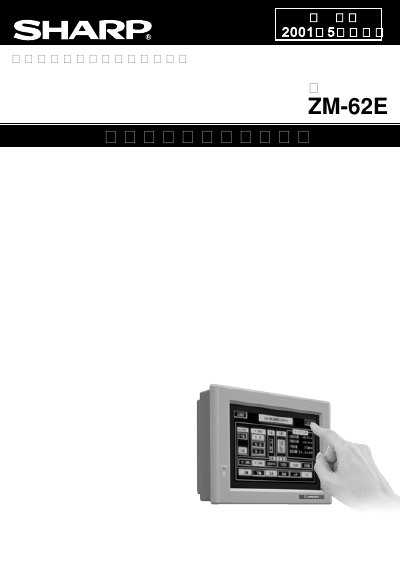
This is the user manual for the ZM-62E LCD control terminal, a programmable display unit with touch panel input. It includes safety instructions, installation guidelines, wiring details, and operational procedures. The device features a high-brightness EL panel and simulator/macro functions for PLC communication. It is compatible with ZM-71S/71SE software.
The manual also covers precautions for installation, environmental conditions, and maintenance, including warnings against disassembly or modification. This manual is written in Japanese.
| Display Type | High-brightness EL panel |
|---|---|
| Touch Panel Resolution | 40x20 switches |
| Software Compatibility | ZM-71S/71SE, version V1.3.0.0 |
It uses a high-brightness EL panel, 8.9 inches, with 200cd/m brightness.
It is compatible with ZM-71S/71SE software, version V1.3.0.0.
Yes, but users must read Chapter 3 'ZM-61E to ZM-62E Conversion' to understand data conversion.