
User manual for the ZXS-F2G-M1-A synchronous tension control system by Zhongxing, covering installation, operation, and troubleshooting.
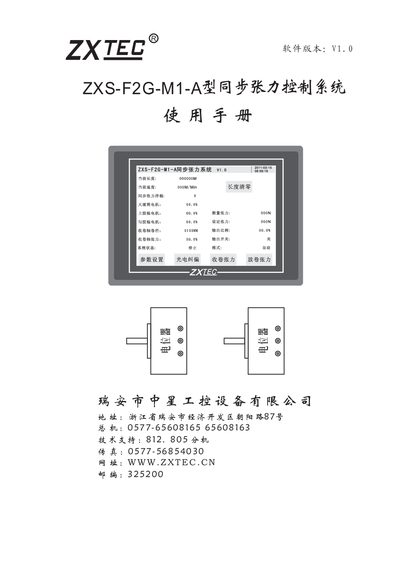
The ZXS-F2G-M1-A is a high‑precision synchronous tension control system designed for composite machines. It uses a high‑precision potentiometer and a floating rod to monitor tension between the large drum motor and the glue‑rod motor, providing both tension synchronization and a separate cone‑tension output for the unwind roll.
The manual details system features such as line‑speed measurement, length data retention, RS485 communication, and a touch‑screen interface, and provides step‑by‑step installation, wiring, and debugging instructions along with parameter and PID settings. This manual is written in Chinese.
| Controller dimensions | 45 mm × 202 mm × 148 mm |
|---|---|
| Potentiometer size | Φ36.5 mm, Φ20 mm, Φ30 mm |
| Speed measurement | Supports line‑speed measurement and work‑length measurement |
| Length data retention | Length data is retained after power‑off |
| Communication interface | RS485 interface for expansion |
| User interface | Touch‑screen operation |
Press the length reset key on the right side of the screen to clear the length data.
Enter the starting roll diameter on the roll‑diameter setting screen; it defines the roll size after each roll change.