
The manual explains how to set up, use, and maintain the NFT10 wireless data terminal.
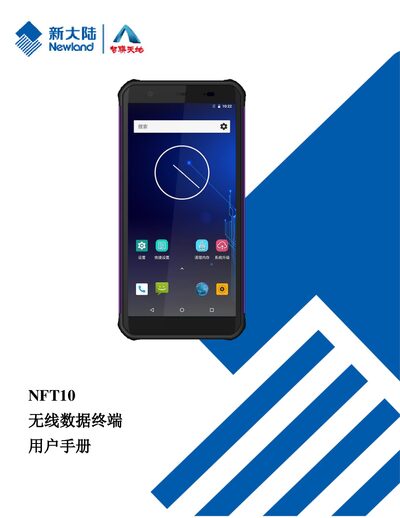
This user manual provides step‑by‑step instructions for unpacking, charging, and configuring the NFT10 wireless data terminal, including barcode scanning, Bluetooth, Wi‑Fi, and WAN communication. It also covers optional peripherals such as camera, GPS, and NFC, and offers guidance for software development and system upgrades.
Additional sections detail safety precautions, battery handling, troubleshooting common issues, and maintenance tips to ensure reliable operation in various environments. This manual is written in Chinese.
| Android version | 8.1.0 |
|---|---|
| SIM/TF card slot | Present |
Use the power adapter that comes with the terminal; do not use a damaged or third‑party adapter.
Check that the battery is charged, then connect the supplied adapter and try turning the device on again. If it still does not power up, the battery may be faulty and you should contact service.