
The Zhihui Ting Shen Participant End Operation Manual explains system overview, court process, technical requirements, and step‑by‑step PC and mobile usage.
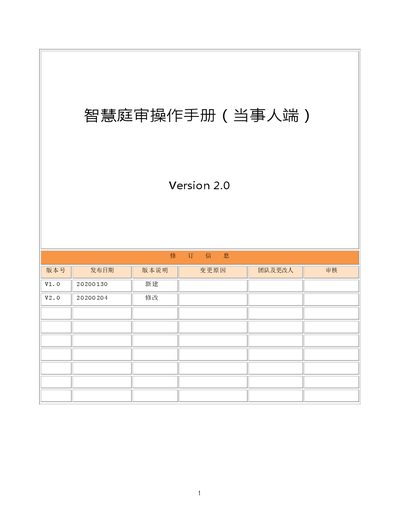
This manual introduces the Zhihui Ting Shen platform, describing its online court functions, low technical requirements, and benefits such as reduced travel for participants. It outlines the overall court workflow, including video recording, facial recognition, and electronic evidence handling.
The guide provides detailed technical requirements (minimum 10 Mbps bandwidth, Google Chrome browser, camera, microphone, and speaker) and step‑by‑step instructions for both PC and mobile clients, covering login, entering a court session with a code, and confirming the trial record. This manual is written in Chinese.
| Minimum network bandwidth | 10 Mbps |
|---|---|
| Supported PC browser | Google Chrome |
| Required PC peripherals | Camera, microphone, speaker (headset optional) |
Open a browser, go to https://lwfy.yuntrial.com, and click the “智慧庭审” button on the homepage.
The platform requires at least a 10 Mbps network connection.
Using a headset is recommended, followed by the phone speaker, then the computer’s built‑in speaker.
Click the “笔录” button, check “我已阅读笔录,确认无误”, then click “确认” to sign and submit.