
Zhengjue KTE2F KNX fan coil driver user manual covering product features, wiring diagram, installation, specifications and ETS programming steps.
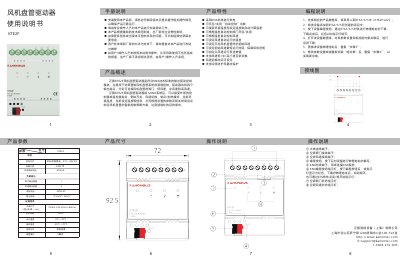
This is the Chinese user manual for the Zhengjue KTE2F fan coil driver, an output control module built to KNX technical standards for intelligent control of two-pipe fan coil systems. The driver has four output ports for connecting the fan coil valve, low fan speed, medium fan speed and high fan speed, and is powered from the KNX bus. Once connected to a KNX system it receives commands from an external controller or thermostat — switching, fan speed change, cooling/heating mode, current ambient temperature and current setpoint temperature — and builds a control strategy from the configured parameters and time settings.
The manual lists the product features (automatic control on/off, temperature-difference based valve and fan speed control, settable initial fan speed and minimum run time, low/medium/high speed interlocked switching, cold-draft and frost protection), the numbered parts of the connection diagram, the ETS3/4/5 programming steps, dimensions, technical parameters and the manufacturer's contact details. This manual is written in Chinese.
| 供电方式 | KNX总线供电,21V ~ 30V DC |
|---|---|
| 外观尺寸(宽×高×厚) | 72mm x 92.5mm x 60mm |
It is powered over the KNX bus with 21V to 30V DC; the bus rated current is ≤10mA.
Press the programming button on the device and download the physical address through ETS3/4/5; the red LED goes out when the download is complete.
It supports low, medium and high speed with interlocked switching, and the speed switching time can be set.
They connect to the fan coil valve, low fan speed, medium fan speed and high fan speed.