
User manual for Zhaoxin Power RPS series linear DC regulated power supplies, covering safety, installation, operation and troubleshooting.
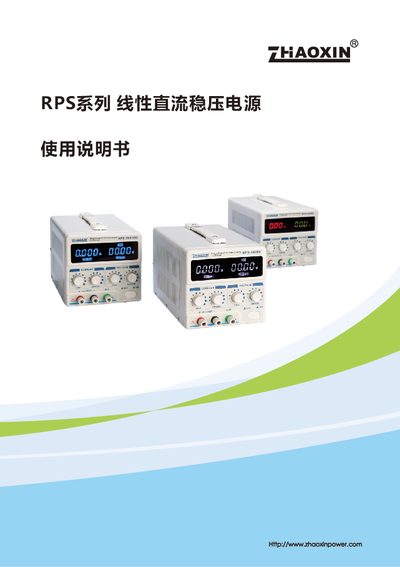
This manual provides safety guidelines, installation steps, and operating instructions for the RPS series linear DC regulated power supplies manufactured by Zhaoxin Power. It includes detailed descriptions of front‑panel and rear‑panel controls, load connections, and constant‑voltage/constant‑current modes.
The document also contains troubleshooting procedures, fuse replacement instructions, and technical specifications such as input voltage, output ranges, regulation accuracy, and environmental limits. This manual is written in Chinese.
| Input voltage | AC 110 V ± 10 % 60 Hz / AC 220 V ± 10 % 50 Hz |
|---|---|
| Output voltage range | 0‑20 V / 0‑30 V / 0‑60 V |
| Output current range | 0‑2 A / 0‑3 A / 0‑5 A |
| Voltage regulation | ≤0.01 % + 2 mV |
| Current regulation | ≤0.1 % + 3 mV |
| Ripple noise | ≤1 mV rms (effective value) |
| Display accuracy | Voltage ±0.1 % (four‑digit), Current ±0.001 A (four‑digit) |
| Weight | 4.54 kg – 5.66 kg (depending on model) |
First disconnect the power, then use a flat‑head screwdriver to remove the fuse holder and replace the fuse with the specified type and rating.
Verify that AC power is present at the input connector, ensure the power switch is on, and confirm that the correct fuse is installed and not damaged.
Turn on the power, set the voltage knob to the desired value, and ensure the current knob is set below the preset limit; the front‑panel CV indicator will turn green.
Operate the unit at temperatures between 0 °C and 40 °C with relative humidity below 80 % and keep the device well ventilated.