
This manual provides installation, configuration, and usage instructions for the Xmeye V1.1 network HD camera, covering web access, PTZ control, and system…
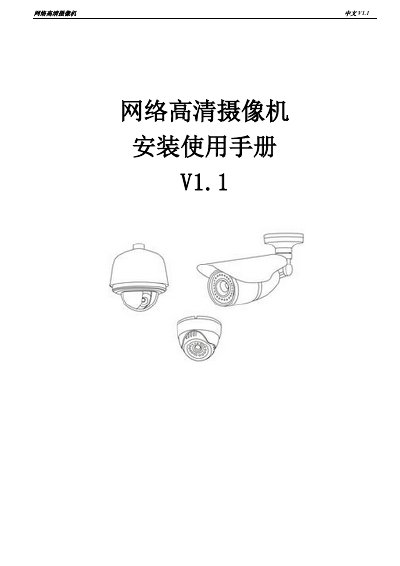
This document is the installation and user manual for the Xmeye V1.1 network HD camera. It guides users through the installation process, safety precautions, and the use of the device's various features via a web browser. The manual explains how to access the camera's interface, configure network and video settings, manage users, and utilize intelligent alarm functions such as motion detection and video loss alerts.
The guide details the operation of the camera's pan-tilt-zoom (PTZ) capabilities, including preset points and patrol routes. It also covers system maintenance, firmware upgrades, and troubleshooting. Finally, it outlines the warranty terms and repair procedures, emphasizing that unauthorized disassembly may void the warranty. This manual is written in Chinese.
| Default IP Address | 192.168.1.10 |
|---|---|
| Default Admin Password | Empty |
| Default Admin Account | admin |
| Warranty Period | One Year |
| Supported Network Protocols | HTTP, TCP, UDP, FTP, RTSP |
The default IPv4 address is 192.168.1.10.
The default password for the super administrator account is empty.
The warranty period is one year for normal usage conditions.