
The Xiaoyibang 3.0 app candidate operation manual explains exam preparation, registration, identity verification, dual‑camera setup, recording, and video…
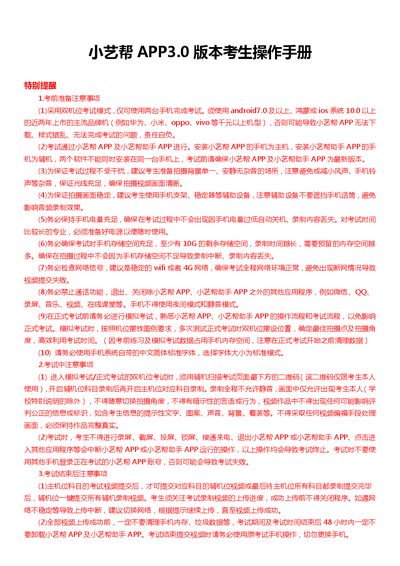
This manual provides step‑by‑step instructions for candidates using the Xiaoyibang 3.0 app in a dual‑camera exam mode. It covers downloading and installing the app, registering an account, completing identity verification, confirming exam details, and completing pre‑exam tasks such as practice and simulation exams.
During the official exam, the guide details how to set up the main phone (Xiaoyibang app) and auxiliary phone (Xiaoyibang Assistant app), perform face verification, record video, and submit recordings. It also includes post‑exam requirements, storage and network recommendations, and technical support contact information. This manual is written in Chinese.
| Supported operating systems | Android 7.0+, HarmonyOS, iOS 10+ |
|---|---|
| Network requirement | Stable Wi‑Fi or 4G |
| Device requirement | Two recent mainstream brand smartphones (e.g., Huawei, Xiaomi, Oppo, Vivo) released within the last two years |
| Tablet support | Not supported |
No, the app only supports smartphones running Android, HarmonyOS, or iOS and does not support tablets or iPads.