
The XiaoBai J16 Smart Door Lock User Manual provides installation steps, battery setup, app connection, unlocking methods, and troubleshooting.
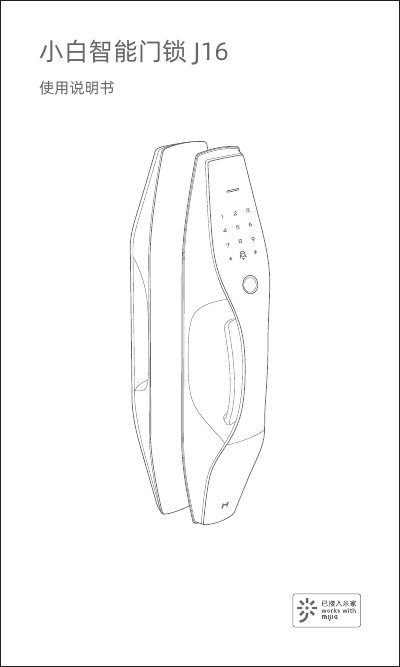
This manual guides you through unpacking, battery installation, and connecting the lock to the Mi Home app. Detailed instructions cover how to add fingerprints, set passwords, use temporary codes, and operate the mechanical key.
It also explains how to view lock records, handle common issues such as fingerprint failures or low battery, and provides warranty and technical support information. This manual is written in Chinese.
| Power Supply | 4 x AA batteries |
|---|---|
| Fingerprint Capacity | 100 |
| Password Capacity | 10 groups |
| Operating Temperature | -25 °C to 65 °C |
| Operating Humidity | 10 % – 90 % RH |
| Bluetooth | Bluetooth 4.2 |
| CMIIT ID | 2019DP4193 |
| Model Number | CMZNMS503 |
Add another fingerprint, choose a finger with clear ridges, keep the finger dry, and try again; you can also restart the lock using the reset button.
With four AA batteries installed, the lock can operate for more than one year under normal opening conditions.
When the battery is depleted, you can temporarily power the lock with a power bank or unlock it using the mechanical key.