
The XGecu T56/TL8 66II programmer user guide explains hardware specs, supported chips, software installation, and programming procedures.
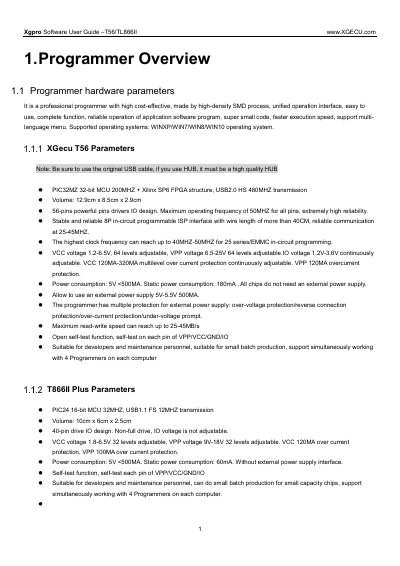
This guide provides a detailed overview of the XGecu T56/TL8 66II programmer, including its hardware parameters, supported chip families, and functional capabilities. It also covers software installation, driver setup, and firmware refresh steps.
The manual includes quick‑start instructions, step‑by‑step programming workflows, menu descriptions, and a FAQ section that addresses common errors such as driver issues, firmware refresh problems, and pin‑contact concerns.
| Dimensions | 12.9 cm × 8.5 cm × 2.9 cm |
|---|---|
| Pin Drivers | 56‑pin powerful I/O drivers |
| Maximum Operating Frequency | 50 MHz for all pins |
| VCC Voltage Range | 1.2 V – 6.5 V (64 levels adjustable) |
| Power Consumption | 5 V < 500 mA, static 180 mA |
| Read/Write Speed | 25 – 45 MB/s |
It is usually caused by using an external USB hub; connect the programmer directly to a computer USB port.
Re‑install the USB driver and ensure antivirus or firewall software is not blocking it.
Clean the adapter and ensure good contact; avoid using low‑quality cables or hubs.