
The xAP AP Series All Purpose Scale Operation Manual provides installation, operation, tare, setup review, and specification details for AP Series scales.
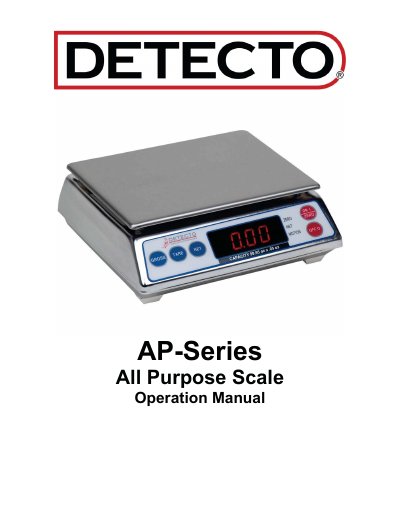
This operation manual covers the xAP AP Series All Purpose Scale, including models AP-4K, AP-6, AP-8, AP-10, and AP-20. It provides safety warnings, unpacking instructions, and general operating guidance for the compact stainless steel scale.
Sections describe power connection, gross and net weighing, tare weight entry, setup review mode, and error and status displays. Technical specifications include construction, display, dimensions, power, operating temperature, humidity, accuracy, and capacity by model.
| Construction | 304 Stainless Steel |
|---|---|
| Display | 4 digit, 1/2" red LED digital display |
| Dimensions | 7 1/2" W x 7" D x 2 3/4" H |
| Weight | 3.5 lb |
| Power | 110-240 VAC 50/60 Hz |
| Operating Temperature | 14°F to 104°F (-10c to 40°C) |
| Humidity | 75 % without condensation |
| Accuracy | Class III |
| Capacity (AP-4K) | 4 kilo - 3999g x 1g |
The maximum tare weight for the AP-20 is 9.99 lb.
With the instrument off, press and hold the GROSS key, then press and release the ON/ZERO key.
The sample rate is set to 4 samples per second.