
The Wyse TCX Rich Sound 1.0 User Manual explains how to enable two‑way audio in virtual desktop environments using USB headsets.
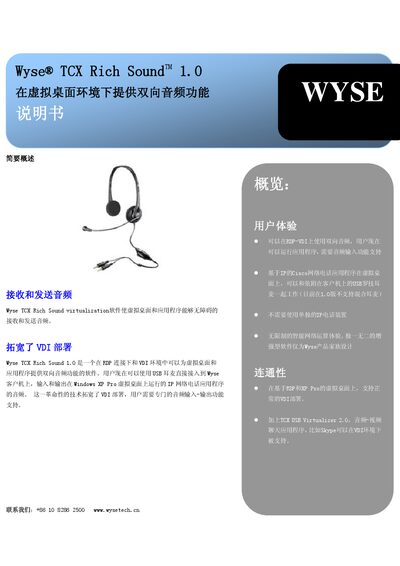
Wyse TCX Rich Sound 1.0 provides two‑way audio functionality for virtual desktop (VDI) environments. Users can run applications that require audio input and output, and the software works with USB Logitech headsets (mixed headsets are not supported in version 1.0). It enables IP‑based Cisco network‑phone applications on virtual desktops without needing separate IP‑phone hardware.
The solution supports a range of server platforms and operating systems, including Microsoft XP Professional with SP2 (both 32‑bit and 64‑bit), VMware VDI, Citrix XenDesktop, and Wyse thin‑client series (V, G, X). Supported OSes are Wyse Thin OS 6.3, Windows XPe and Linux v7. This manual is written in Chinese.
| Supported Server Platforms | Microsoft XP Professional with SP2 (32‑bit and 64‑bit), VMware VDI, Citrix XenDesktop |
|---|---|
| Supported Wyse Platforms | Wyse V series L/LE, Wyse G series, Wyse X series |
| Supported Operating Systems | Wyse Thin OS 6.3, Windows XPe, Linux v7 |
The software works with USB Logitech headsets; mixed headsets are not supported in version 1.0.
No, version 1.0 does not support mixed headsets.