
User guide for Würth Elektronik's wireless module evaluation boards including Proteus-E, Ophelia-I, and Thyone-E.
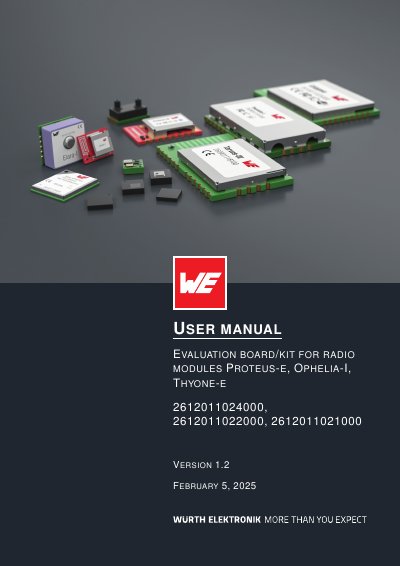
This user manual provides instructions for operating and programming Würth Elektronik's wireless connectivity evaluation boards. It covers hardware setup, jumper configurations, USB connectivity, and firmware update procedures. The boards support Bluetooth LE 5.1 modules and are designed for development and testing of wireless applications.
The manual includes detailed schematics, pin descriptions, power supply options, and UART communication setup. It also explains how to use the internal antenna, connect external antennas, and configure jumpers for different operational modes. Firmware updates are strongly recommended for optimal performance, especially for modules not purchased directly from Würth Elektronik.
| Chipset | Nordic nRF52805 |
|---|---|
| Default COM Port | COM12 (Windows) or /dev/ttyUSB0 (Linux) |
Connect the board via USB to a PC, install the FTDI driver, and check the device manager for the COM port (e.g., COM12 or /dev/ttyUSB0).
The board uses internal LDO power supply by default, but can be switched to external power using jumper P2.