
This manual provides safety precautions, panel operation, system parameters, fault codes, and accessories for the WR57Ⅱ driver device.
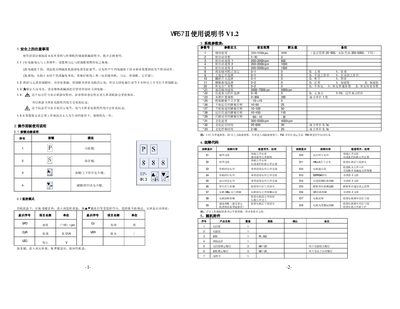
The manual begins with safety precautions, including power‑off waiting time, grounding requirements, and warranty information for the WR57Ⅱ driver device. It also describes the meaning of safety symbols and the need to read the accompanying sewing machine documentation.
Subsequent sections cover the operation panel (key functions and monitoring mode), a detailed system‑parameter table, fault‑code definitions, and a list of supplied accessories. The document is intended for users and service personnel to correctly operate and maintain the device. This manual is written in Chinese.
| Sewing speed range | 200~5000 rpm |
|---|---|
| Soft‑start needle count range | 1~10 |
| Soft‑start speed 1 default | 600 rpm |
| Maximum sewing speed (advanced) | 2000~7000 rpm |
| Pedal neutral position range | -15~+15 |
Long‑press the S key for 2 seconds, then use the ▲ and ▼ keys to change the monitored values.
E1 means hardware over‑current; check that grounding is good and that the driver components are not damaged.
Wait at least one minute after power‑off before opening the control‑box cover.
The device is covered by a one‑year warranty under normal operating conditions.