
This manual provides operating instructions, installation, and technical specifications for the Wincor Nixdorf BA60 customer display screen used in POS systems.
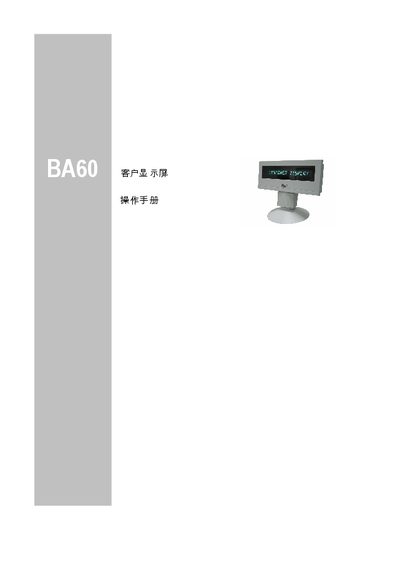
The Wincor Nixdorf BA60 is a modular customer display screen designed for Point of Sale (POS) installations. It features a vacuum fluorescent display (VFD) capable of showing 16 alphanumeric characters per line in green. The device connects to the sales system via an RS232C interface, which also provides 12V DC power. This manual is written in Chinese.
| Display Technology | Vacuum Fluorescent Display |
|---|---|
| Character Display | 16 alphanumeric characters per line |
| Character Height | 10.0 mm |
| Character Width | 5.0 mm |
| Interface | RS232C, asynchronous full-duplex |
| Transmission Rate | 9600 bit/sec |
| Voltage | 12V +/- 10% |
| Maximum Current | 200 mA |
| Dimensions (with base) | Height: 165 mm, Width: 206 mm, Depth: 46 mm |
| Weight | 0.5 kg |
Wincor Nixdorf guarantees the equipment for 12 months from the delivery date.
Connect the 9-pin D connector of the cable to the COM interface of the sales system.
The device operates on 12V DC power.