
The WESCO Sag-VIEWER User Manual explains how to install, configure, and operate the voltage‑sag monitoring software with TSP devices.
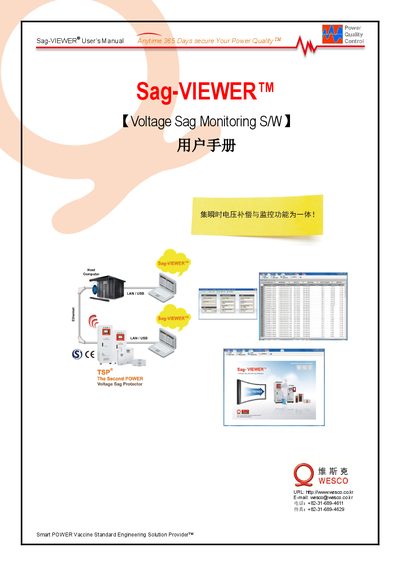
Sag‑VIEWER™ is a voltage‑sag monitoring software that connects to TSP® power‑quality devices via LAN or RS‑485. The manual describes the user interface, menu structure, and the data that can be viewed, such as system voltage, sag events, and device status.
Key functions include monitoring up to 500 TSP® units from a single PC, generating sag‑event reports and statistics, and configuring network and serial communication settings. The guide also provides step‑by‑step hardware installation, IP address configuration for three‑phase TSP® units, and RC_LAN Plus V2 software setup. This manual is written in Korean.
| Maximum TSP devices monitored per computer | 500 |
|---|---|
| Serial communication speed | 57600 |
A single computer can monitor up to five hundred TSP® devices.
The serial port operates at a speed of 57600 baud.
Open the SETTING window, enter the IP address, gateway, and subnet mask, then click Save.