
User manual for Weierhai WH7016 series temperature controllers covering wiring, settings, alarms and operation.
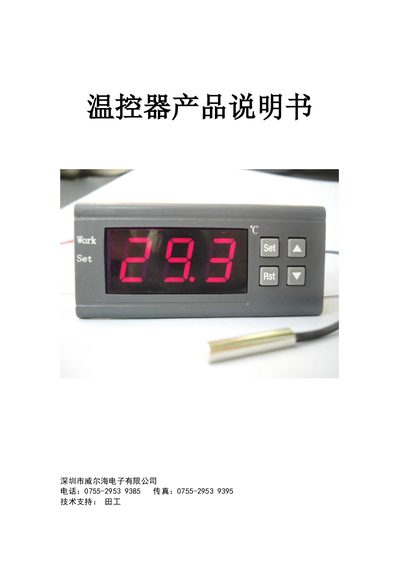
This manual provides detailed information for the WH7016 series temperature controllers manufactured by Weierhai Electronics, including electrical specifications, wiring diagrams, and operation instructions. It covers all variants such as WH7016C, WH7016C+, WH7016E, WH7016E+, WH7016D, WH7016D+, and WH7016N.
The guide explains how to configure heating or cooling modes, set temperature limits, calibrate the sensor, and use advanced menu functions. Safety notes, fault indications, and alarm settings are also described to ensure reliable and safe operation. This manual is written in Chinese.
| Temperature range (WH7016C) | -50℃~110℃ / -58℉~230℉ |
|---|---|
| Control resolution (WH7016C+) | 0.1/0.5 degree |
| Input voltage options | 12V, 24V, 110V, 220V (optional) |
| Relay contact current | 10A (30A optional) |
| Power consumption | < 2W |
Press the RST key once to turn it on; hold the RST key for more than 3 seconds to turn it off.
Hold the SET key for more than 3 seconds, then select the HC code; choose H for heating or C for cooling.
Enter the menu, locate the CA code, press SET, then adjust the value with the ▲/▼ keys to correct the temperature.
In the menu, find the AH code, press SET, and set a non‑zero value to enable the alarm or set it to 0 to disable it.