
This manual provides installation, cleaning, maintenance, and troubleshooting instructions for the Waterway ClearWater II Cartridge Filter System.
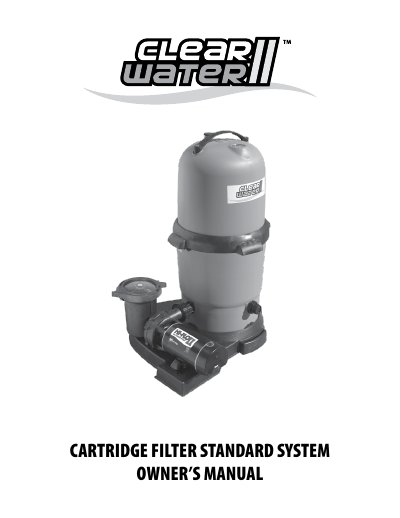
The document serves as an owner's manual for the Waterway ClearWater II Cartridge Filter System. It details assembly procedures, including placing the system on a flat surface between the pool skimmer and return line, and connecting hoses with appropriate fittings.
It also covers maintenance routines such as cleaning the filter cartridge when pressure rises 5 PSI above the starting level, using the safety locking system to open the lid without disassembling the element. Finally, it lists replacement parts by part number and provides a troubleshooting guide for common issues like motor failure, no water flow, leaks, and excessive noise.
The pump requires a 110 volt/20 amp service and must be connected to a GFCI.
The filtration system must be located between 2 ft. and 5 ft. from the pool.
You should clean the filter if the pressure gauge reads 5 PSI or higher than the original starting pressure.