
User manual for the Wason WS-TH20G-C GSM temperature and humidity recorder, covering setup, operation, and troubleshooting.
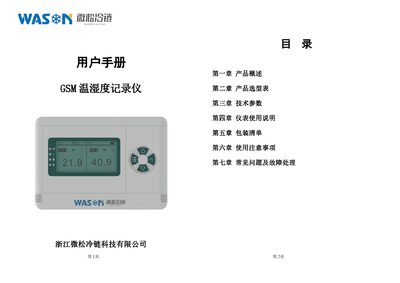
The WS-TH20G-C GSM temperature and humidity recorder is a standalone, data‑logging instrument with built‑in or external high‑precision sensors and SMS alarm capability. It is designed for continuous monitoring in fields such as food safety, pharmaceuticals, HVAC, and cold‑chain logistics.
The manual provides product overview, selection tables, technical specifications, detailed operation instructions, packaging contents, safety precautions, and a FAQ section for common issues and troubleshooting steps. This manual is written in Chinese.
| Humidity measurement range | 0%~100%RH |
|---|---|
| Record storage capacity | 8 M memory |
Check the battery level; if empty, charge the device for at least half an hour before powering on, and ensure the SIM card is correctly placed.
Make sure the alarm limits are set correctly, the SMS alarm switch is enabled, and the SIM card is not overdue or out of credit.
Connect the instrument to a computer with the data cable; the device appears as a USB drive containing CSV files that can be copied to the PC.