
The VT VT3 hardware manual provides installation, setup, safety guidelines, and technical specifications for the VT3 touch panel display.
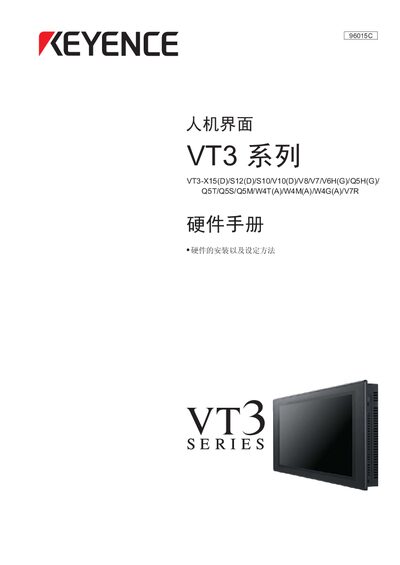
This manual covers all aspects of the VT3 series touch panel display, including safety precautions, installation steps, system configuration, and peripheral connections. It also details the operation of the VT STUDIO software and provides troubleshooting information.
The document is organized into chapters such as "Before Use", "Technical Specifications", "Installation", "Operation and Unit Functions", "System Modes", "Peripheral Devices", and "KL‑LINK". Each section includes detailed instructions, diagrams, and recommended practices to ensure reliable performance and safe handling of the device.
Do not expose the device to rapid temperature changes.
Do not press the panel with pens or screwdrivers.
Do not use solvents or organic cleaners.
Use a cloth soaked in diluted neutral detergent.