
The Voxengo SPAN User Guide explains how to use the real‑time audio spectrum analyzer plug‑in, covering features, interface, metering and compatibility.
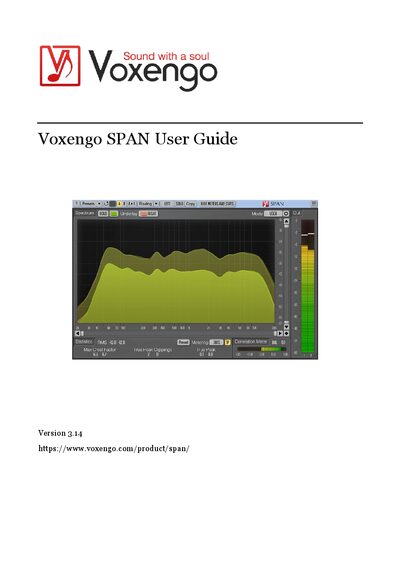
Voxengo SPAN is a real‑time audio spectrum analyzer plug‑in for professional music and audio production. The guide describes how to configure the analyzer, choose FFT settings, and use the various display modes.
The document is organized into sections on features, compatibility, user‑interface elements, spectrum display, statistics, metering, and the correlation meter, with detailed explanations of each control and how to interpret the measurements.
| Minimum CPU | 2.5 GHz dual‑core or faster processor |
|---|---|
| Minimum RAM | 4 GB system RAM |
| Sample‑rate Support | All sample rates |
SPAN can be loaded into any audio host that conforms to the AAX, AudioUnit, VST, or VST 3 plug‑in specifications.
Use the Correlation Meter panel, which shows the average real‑time correlation between the first two input channels.
Press the “Reset” button on the Statistics panel to clear the counters and start new accumulation.
Activate the “Hold” switch to temporarily stop spectrum updates while you compare values.