
The manual provides safety guidelines, setup instructions, control descriptions, and specifications for the VOX VX50 AG acoustic guitar amplifier.
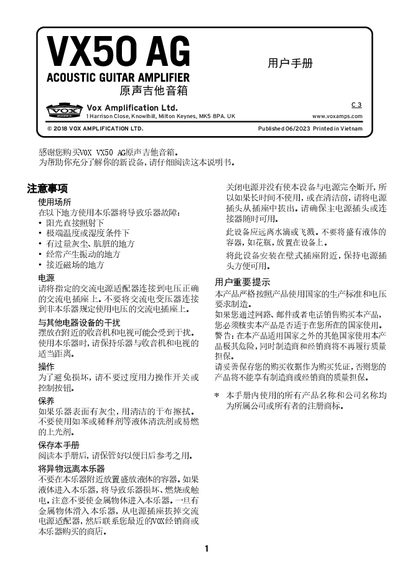
This guide explains safe usage of the VOX VX50 AG acoustic guitar amplifier, including warnings about operating environments, power connection, and handling of liquids or metal objects. It also details maintenance steps such as cleaning the surface with a dry cloth and storing the unit away from dust and extreme conditions.
The manual describes all front‑panel controls and connectors: INSTRUMENT, MIC, AUX IN, LINE OUT, headphone jack, phantom‑power switch, and the MASTER volume knob. It explains how to set up the amp, adjust EQ and effects, use the automatic power‑off feature, and lists the technical specifications such as output power, speaker type, dimensions, and included accessories. This manual is written in Chinese.
| Instrument input connector | 6.3 mm jack |
|---|---|
| Microphone input connector | XLR (balanced) |
| Line‑out connector | 6.3 mm jack |
| Headphone output connector | 3.5 mm mini‑stereo jack |
| Phantom power | +15 V |
| Valve type | Nutube 6P1 |
| Instrument EQ – Bass | ±10 dB @ 100 Hz |
| Instrument EQ – Middle | ±12 dB @ 700 Hz |
| Instrument EQ – Treble | ±10 dB @ 10 kHz |
| Maximum output power | ≈50 W RMS |
| Speaker | VOX original 8" dual‑coaxial |
| Power supply | AC adapter, DC 19 V |
| Dimensions (W×D×H) | 354 mm × 208 mm × 313 mm |
| Weight | 4.1 kg |
| Included accessories | AC adapter (DC 19 V), power cable, user manual |
Plug the guitar cable into the INSTRUMENT (6.3 mm) jack on the rear panel.
Turn the PHANTOM switch to the ON position before connecting the microphone.
If the amp has no input or control activity for about four hours, it powers down automatically and cannot be turned on again until the power button is pressed.
Use the MASTER knob to adjust the total output level of the VX50 AG.