
Quick start guide for activating Amazon Alexa Built-in voice technology in a Volvo Truck using a smartphone, Bluetooth and a Wi-Fi connection.
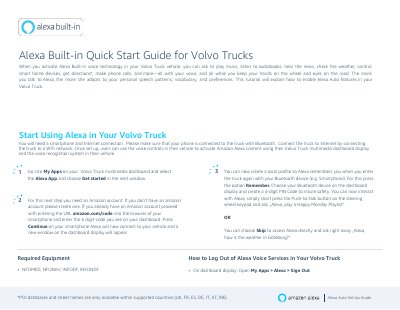
This quick start guide explains how to enable Alexa Built-in voice technology in a Volvo Truck. With it set up, the driver can ask to play music, listen to audiobooks, hear the news, check the weather, control smart home devices, get directions, make phone calls and more using voice control through the truck's multimedia dashboard display and voice recognition system.
The guide covers the equipment needed (a smartphone with an Internet connection and Bluetooth pairing to the truck, plus a Wi-Fi network for the truck), the setup steps in My Apps on the dashboard, entering the six-digit code at amazon.com/code with an Amazon account, creating a local profile with a 4-digit PIN, starting a request with the push-to-talk button on the steering wheel keypad, and signing out of Alexa voice services.
| Required for setup | Smartphone and Internet connection; phone connected to the truck via Bluetooth |
|---|---|
| Truck Internet connection | Wi-Fi network |
| Amazon account linking code | 6-digit code entered at amazon.com/code |
| Local profile PIN | 4-digit PIN code |
| Voice activation | Short press of the Push-to-talk button on the steering wheel keypad |
| Required equipment codes | NFOMED, NFONAV, INFODF, INFONDF |
| POI database and street name availability | Only within supported countries (UK, FR, ES, DE, IT, AT, IRE) |
You need a smartphone with an Internet connection, paired to the truck via Bluetooth, and a Wi-Fi network to connect the truck to the Internet.
Open My Apps on the multimedia dashboard, select the Alexa App and choose Get started, then link your Amazon account by entering the 6-digit code from the dashboard at amazon.com/code.
Create a local profile by pressing Remember, choosing your Bluetooth device on the dashboard display and creating a 4-digit PIN code.
On the dashboard display, open My Apps > Alexa > Sign Out.