
Owner's manual for the VocoPro DVD‑SOUNDMAN portable 4‑channel sound system with setup, safety, and troubleshooting instructions.
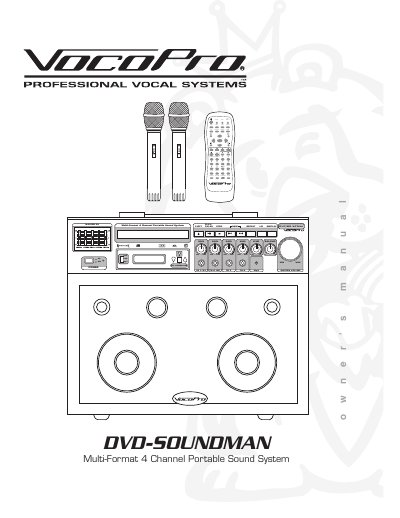
This manual provides safety instructions, setup guidance, and operating procedures for the VocoPro DVD‑SOUNDMAN Multi‑Format 4 Channel Portable Sound System. It covers power connection, source selection, audio and video setup, and how to use the built‑in wireless microphones.
The document also includes a detailed parts list, specifications, and a troubleshooting section to help resolve common power, sound, and video issues.
| EQ Bands | 5‑band equalizer |
|---|---|
| Microphone/Instrument Inputs | Four ¼" inputs |
| Supported Media Formats | DVD, CD, CD+G, VCD, MP3, Photo CD |
| Power Output | 80 W stereo 4‑speaker system |
| Digital Key Control | Key change function for discs |
| Auxiliary Input | 1/8" audio input (cable included) |
| Wireless Mic System | Built‑in system with 2 handheld mics |
Set the voltage selector switch on the rear panel to match your local power: 120 V for United States or 240 V for Europe.
Check that the power cord is firmly plugged in, the power strip is on, and the power switch is in the ON position.
Use the Digital Key Control setting in the Audio Setup menu to shift the key up or down as desired.