
Development guide for the VLibras Cross Platform App covering its architecture, Ionic plugins, prerequisites and Android emulator testing.
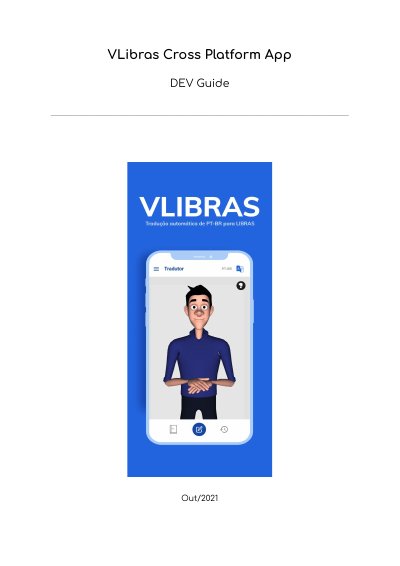
This document is a development guide for the VLibras Cross Platform App. It presents a general introduction to the application, a short description, its architecture, a test and environment preparation manual. The app was developed with Ionic 5 React (TypeScript) for automatic translation of Portuguese into LIBRAS on iOS and Android platforms, aiming to help the inclusion of deaf people and to encourage learning of Brazilian Sign Language.
The architecture section explains the purpose of each project directory, from src, config and assets to components, pages, routes, store, themes and services, including the Axios configuration used for HTTP requests to the Vlibras dictionary API. The test section lists the Ionic plugins used, the prerequisites Yarn, Ionic, NodeJS and Android Studio, and the steps for running the app in the Android emulator. This manual is written in Portuguese.
| Development technology | Ionic 5 React (TypeScript) |
|---|---|
| Supported platforms | iOS and Android |
| Default dictionary API address | https://dicionario2-dth.vlibras.gov.br/api |
| Operating systems for development | Windows, Linux or macOS |
| Required Yarn version | 1.22.10 |
| Required Ionic version | 6.16.3 |
| Required NodeJS version | 14.16.0 |
| Required Android Studio version | 4.1 |
It was developed using Ionic 5 React (TypeScript) for automatic translation of Portuguese into LIBRAS on iOS and Android.
Any of the main operating systems, Windows, Linux or macOS. A Linux distribution is recommended because installing the dependencies is simpler.
Clone the VLibras Cross Platform App repository and, inside the project folder terminal, install the app with npm install or yarn install.
Change the videoTranslator flag to true in src/environment/env.ts.