
Operation manual for the VFD VFD500-PV Series solar pumping inverter, covering wiring, control terminals, trial run, keypad display, fault codes, and solar…
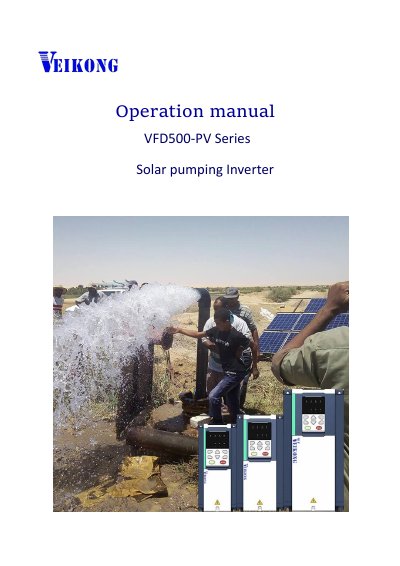
This manual is for the VFD VFD500-PV Series solar pumping inverter. It describes electrical cable and control terminal connections, trial-run steps, keypad monitoring and menu display, fault-code information, and solar-pump-specific parameter settings.
The documented parameter groups include solar pumping functions, dry-run/unload protection, pump sleep and wake-up settings, and basic inverter functions such as frequency, acceleration, deceleration, and motor control.
| Power range | 2.2 kW to 90 kW |
|---|---|
| MPPT starting voltage | 330 V DC (220 V system) or 550 V DC (380 V system) |
| Maximum frequency | 10.00 Hz to 600.00 Hz |
| Carrier switching frequency | 1 kHz to 12 kHz for units up to 7.5 kW |
It is generally set to about 80% of the open-circuit voltage of the solar panel.
Disconnect the power supply and replace any two-phase wiring of the pump motor.
It is a light weak fault; refer to function codes P47.05 to P47.07.
Set P47.00 to 1.