
User manual for the Velleman DEM201 sound level meter, covering operation, battery replacement, cleaning and technical specifications.
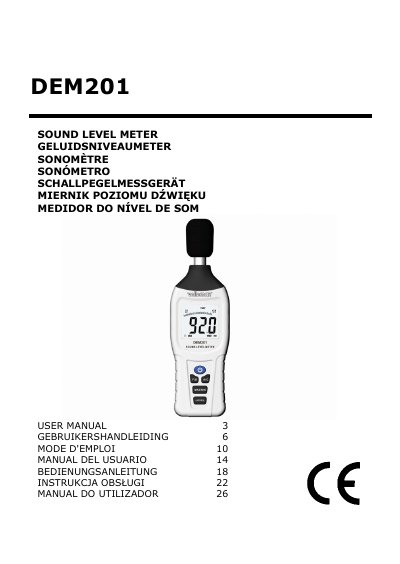
This manual explains how to use the Velleman DEM201 sound level meter, including safety instructions, controls, battery replacement, measurement operation, and cleaning and maintenance.
The technical specifications list measurement ranges from 30 dB to 130 dB, accuracy of +/- 1.4 dB, a frequency range of 31.5 Hz to 8 kHz, A and C frequency weighting, fast and slow time weighting, and a 9 V battery power supply. This manual is written in French.
| Measurement range Lo | 30 dB ~ 80 dB |
|---|---|
| Measurement range Med | 50 dB ~ 100 dB |
| Measurement range Hi | 80 dB ~ 130 dB |
| Measurement range Auto | 30 dB ~ 130 dB |
| Accuracy | +/- 1.4 dB @ 94 dB @ 1 kHz |
| Frequency range | 31.5 Hz to 8 kHz |
| Frequency weighting | A, C |
| Time weighting fast | 125 ms |
| Time weighting slow | 1 s |
| Power supply | 1 x 9 V battery, 6F22 (included) |
| Auto power off | 15 min |
| Operating temperature | -20 °C ~ +60 °C (< 90 % RH) |
| Storage temperature | -20 °C ~ +60 °C (< 75 % RH) |
| Dimensions | 189 x 62 x 32 mm |
| Weight with battery | 178 g |
Hold the power button for 1 second.
Turn off the meter, open the battery compartment with a suitable screwdriver, replace the used battery with a new 9 V battery while respecting polarity, then close the compartment.
Press the MIN/MAX button briefly to freeze the measurement value, then press it again to unfreeze the display.