
User manual for the VC9801A/2A and VC9804A digital multimeters covering operation, safety, specifications and maintenance.
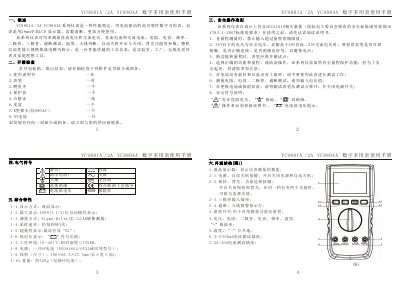
The VC9801A/2A and VC9804A series are battery‑powered digital multimeters with a 28 mm LCD display. They measure DC/AC voltage, DC/AC current, resistance, capacitance, frequency, diode, transistor, continuity, temperature, and include features such as backlight and automatic shutdown.
The manual provides an overview, safety guidelines, detailed button functions, step‑by‑step measurement procedures, technical specifications, battery and fuse replacement, maintenance tips, and troubleshooting instructions. This manual is written in Chinese.
Open the battery compartment, remove the old 9 V battery, insert a new 9 V battery, and close the compartment.
It indicates that the measured value exceeds the selected range (over‑range).
Short‑press the POWER APO key to turn the automatic shutdown off.