
This user manual covers the setup, operation, and maintenance of the VAVA Chroma 4K UST Triple Laser Projector, including installation guides and…
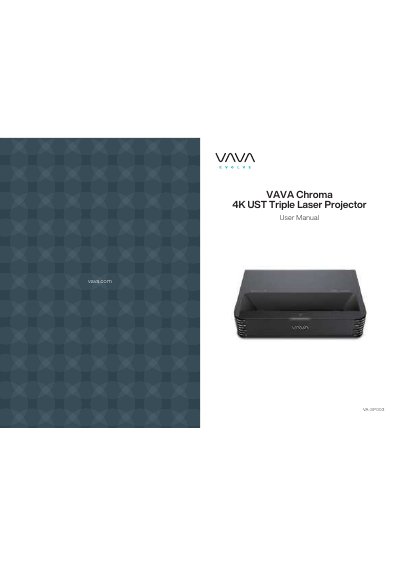
This document serves as the official user manual for the VAVA Chroma 4K UST Triple Laser Projector (Model VA-SP003). It provides comprehensive instructions on safety, installation, and usage of the device, which features a DLP RGB-Laser light source and Android 9.0 operating system. The guide details how to position the projector for optimal image size, connect various inputs, and utilize built-in features like motion detection and HDR10.
| Max Projection Size | Up to 150" |
|---|---|
| Resolution | 4K |
| Brightness | 2500 lumen (100% CLO) / 6000 lumen (Light Source) |
| Contrast Ratio | > 300:1 (ANSI) / > 3000:1 (FOFO) |
| Color Gamut | 106% Rec.2020 |
| Operating System | Android 9.0 |
The projector can project an image up to 150 inches.
Go to Settings -> Image -> Electric Focus to adjust accordingly.
The projector will prompt a warning message and enter ECO mode automatically when the ambient temperature is higher than 100°F.
Yes, you can enter mouse mode by going to Settings -> General -> Mouse Mode -> On/Off.