
Installation and setup guide for the Valcom VIP-176A SIP Door Intercom, covering network connections, power requirements, and configuration using the IP…
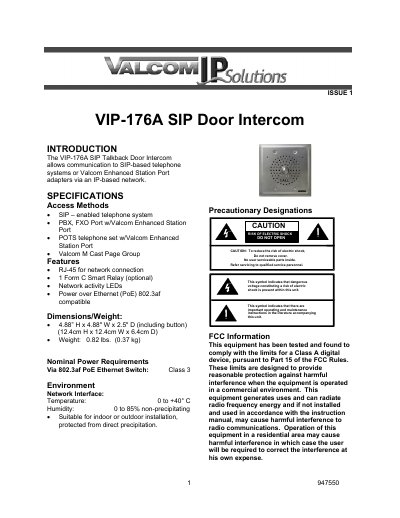
The Valcom VIP-176A SIP Door Intercom enables communication with SIP-based telephone systems or Valcom Enhanced Station Port adapters via an IP-based network. It features an RJ-45 network connection, network activity LEDs, and supports Power over Ethernet (PoE) 802.3af compatibility. The unit is designed for indoor or outdoor installation, protected from direct precipitation, and includes a form C Smart Relay as an optional feature.
| Access Methods | SIP-enabled telephone system, PBX, FXO Port w/Valcom Enhanced Station Port, POTS telephone set w/Valcom Enhanced Station Port |
|---|---|
| Dimensions | 4.88” H x 4.88" W x 2.5 " D (including button) |
| Weight | 0.82 lbs. (0.37 kg) |
| Power Requirements | Via 802.3af PoE Ethernet Switch |
| Operating Temperature | 0 to +40° C |
| Operating Humidity | 0 to 85% non-precipitating |
The VIP-176A is powered via a Power over Ethernet (PoE) switch or power injector meeting the 802.3af specification.
Yes, it can be used with a POTS telephone set when used with a Valcom Enhanced Station Port.
Yes, it is suitable for indoor or outdoor installation, provided it is protected from direct precipitation.
Configuration is done using the IP Solution Setup Tool downloaded from the Valcom website.