
This manual covers the operation, installation, configuration, and troubleshooting of the Vaddio RoboSHOT 20 UHD and RoboSHOT 40 UHD professional PTZ cameras.
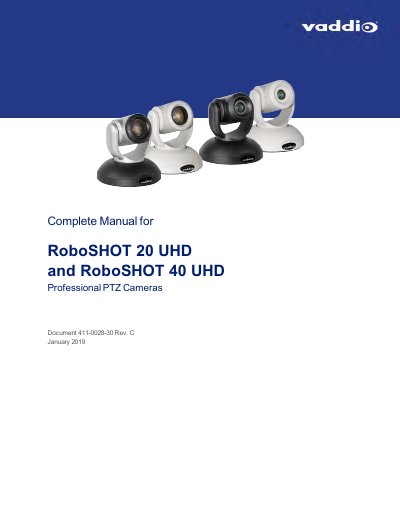
This guide provides comprehensive instructions for the Vaddio RoboSHOT 20 UHD and RoboSHOT 40 UHD professional PTZ cameras. It covers unpacking, physical features, switch settings, installation, and controlling the camera using the IR remote, web interface, Telnet, and RS-232 API references. The document also includes specifications, troubleshooting steps, and warranty information.
| Sensor Type | 1/2.3-Type ExmorR backlit CMOS (20 UHD) / 1/2.5-Type ExmorR backlit CMOS (40 UHD) |
|---|---|
| Effective Pixels | 8.93 Megapixels (20 UHD) / 8.5 Megapixels (40 UHD) |
| Optical Zoom (20 UHD) | 1x to 12x |
| Optical Zoom (40 UHD) | 1x to 20x |
| Pan Angle | ±160° |
| Tilt Angle | +90°/-30° |
| Power Supply | 12VDC, 3.0A |
| Operating Temperature | 0°C to 40°C |
The minimum illumination is 1.6 lux, though 100+ lux is recommended.
You must restore factory default settings via hardware for the RoboSHOT 20 UHD model.