
This manual provides operating instructions, safety guidelines, and troubleshooting tips for the UP! desktop 3D printer.
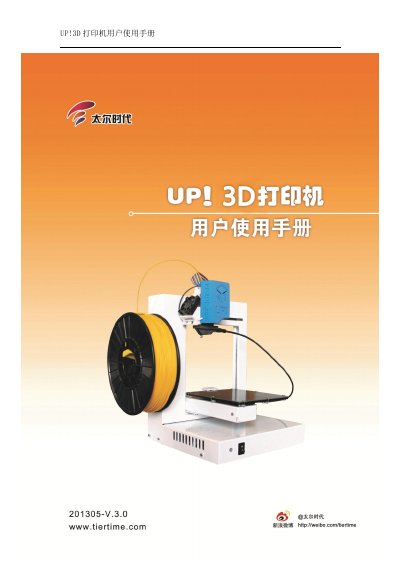
The UP! 3D printer is a portable device designed to melt and extrude ABS or PLA materials to create durable models. The manual covers the setup process, including installing the printhead, print platform, and material spool holder.
Key operational steps include initializing the machine, leveling the print bed, calibrating nozzle height, and preparing the platform for printing. The document also details how to load 3D models, rotate views, and remove finished prints. This manual is written in Chinese.
| Build Volume | 140x140x135 mm |
|---|---|
| Weight | 5 kg (11 lbs) |
| Dimensions | 245 x 260 x 350 mm |
| Layer Thickness | 0.2mm-0.4mm |
| Print Speed | 10-100 cm³/hour |
| Power Input | 100-240VAC, 50-60 Hz |
The printer supports ABS or PLA printing materials.
The normal working room temperature should be between 15°C and 30°C.
You should not touch the model, nozzle, print platform, or other parts of the machine when it is printing or just finished to avoid burns.