
This manual provides installation, operation, and advanced settings instructions for the UOVision UML5 series LTE camera.
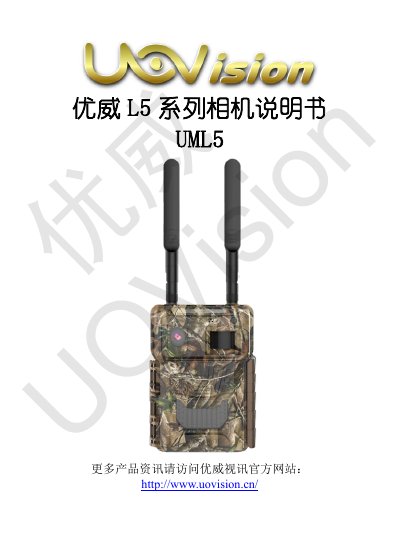
The UOVision UML5 series camera is a compact surveillance device featuring LTE 4G/3G/2G communication, cloud image management, and GPS auto-location. It supports high-speed uploads up to 50Mbps and offers various working modes including photo, video, and simultaneous photo+video recording. This manual is written in Chinese.
| Network | LTE 4G/3G/2G All-network compatible |
|---|---|
| Upload Speed | Max 50Mbps |
| Photo Resolution | 5MP |
| Video Resolution | 3K, 1080P, 720P, WVGA |
| Lens Aperture | F/NO=1.8 |
| Field of View | 58°/90° |
| Display | 2.4 inch 960*240 LCD |
| Operating Temperature | -30°C to +80°C |
| Standby Current | 0.1mA |
| Weight | 491g (with 18650), 499g (with AA) |
| Dimensions | 114mm x 158mm x 70mm |
The camera supports high-speed uploads of up to 50Mbps for original images and videos.
The camera supports 3K, 1080P, 720P, and WVGA video resolutions.
The camera operates within a temperature range of -30°C to +80°C.
The product is covered by a 12-month warranty for non-human damage under normal conditions.