
This guide provides troubleshooting steps for common printing issues on the Ultimaker 2 3D printer.
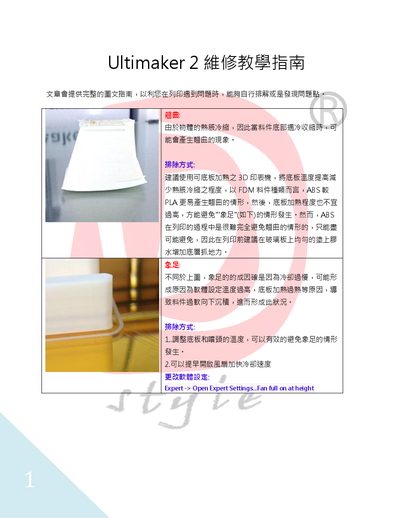
The document offers a pictorial and textual guide to diagnose and resolve typical problems encountered while printing with the Ultimaker 2, such as warping, elephant foot, layer shifting, under‑extrusion, and filament grinding. Each issue is described with its cause and a set of practical corrective actions, including temperature adjustments, bed leveling, fan settings, and mechanical checks.
Additional sections cover more specific faults like unsupported overhangs, ring artifacts, uneven first‑layer lines, heating‑bed failures, bearing protrusion, and internal model fill errors. The guide also includes tips for proper slicer configuration and hardware maintenance to improve overall print quality. This manual is written in Chinese.
| Maximum print speed | 8 mm³/s |
|---|---|
| Default initial layer height | 0.3 mm |
| Recommended infill density | ≥20 % |