
Instructions for adding the Twitter Share app to a page, entering a Twitter username, and setting app name, description, and display options.
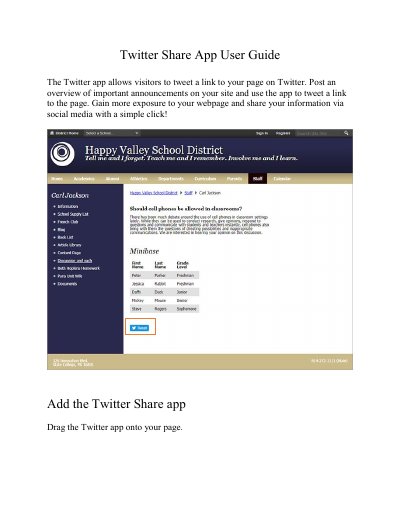
The Twitter Share App User Guide explains how to add the Twitter app to a page so visitors can tweet a link to that page. It describes entering the Twitter User Name included with each tweet and selecting Save.
The guide also covers additional options: entering an App Name and Description, choosing to show the app name on the page, and selecting Display Settings for the number of posts to list. A short section shows how it looks on Twitter.
Drag the Twitter app onto your page.
Visitors can tweet a link to your page on Twitter.
Enter the Twitter User Name you want to include with each tweet, then select Save.
Select Show the app name on my page to display the updated app name.