
The Twilight SH digital dynamometer user manual explains safety precautions, operation, functions, specifications, and RS‑232/printing features.
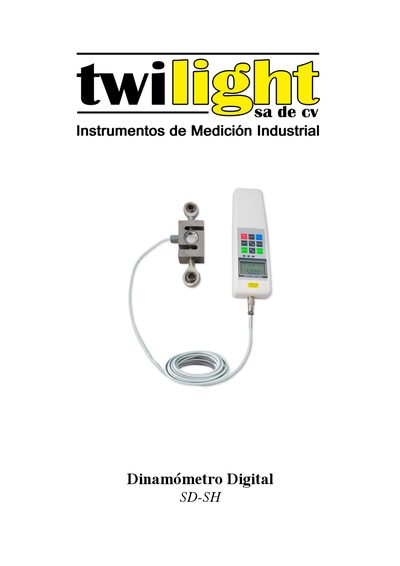
This manual provides detailed information on the Twilight SH series digital dynamometers, including their compact design, high precision, LCD display, and selectable measurement units (kN, tf, klbf). It describes how to operate the device, configure limits, use memory and peak‑capture functions, and connect to a PC or printer via RS‑232C.
Safety guidelines, battery charging procedures, and instructions for using various test supports and accessories are also covered, ensuring reliable and safe measurements for compression, tension, and other test applications. This manual is written in Spanish.
| Battery | Ni‑Hi 8.4 V / 1200 mAh |
|---|---|
| Charging adapter | 12 V DC / 300 mA |
| Dimensions (mm) for SH‑1K~2K model | 19 × 76.2 × 50.8 |
A fully charged battery can operate the instrument continuously for about 12 hours.
Press the [SET] button until the LCD shows [RS232], then select the “PC” option.
Reduce the load immediately because the sensor has been overloaded beyond its capacity.